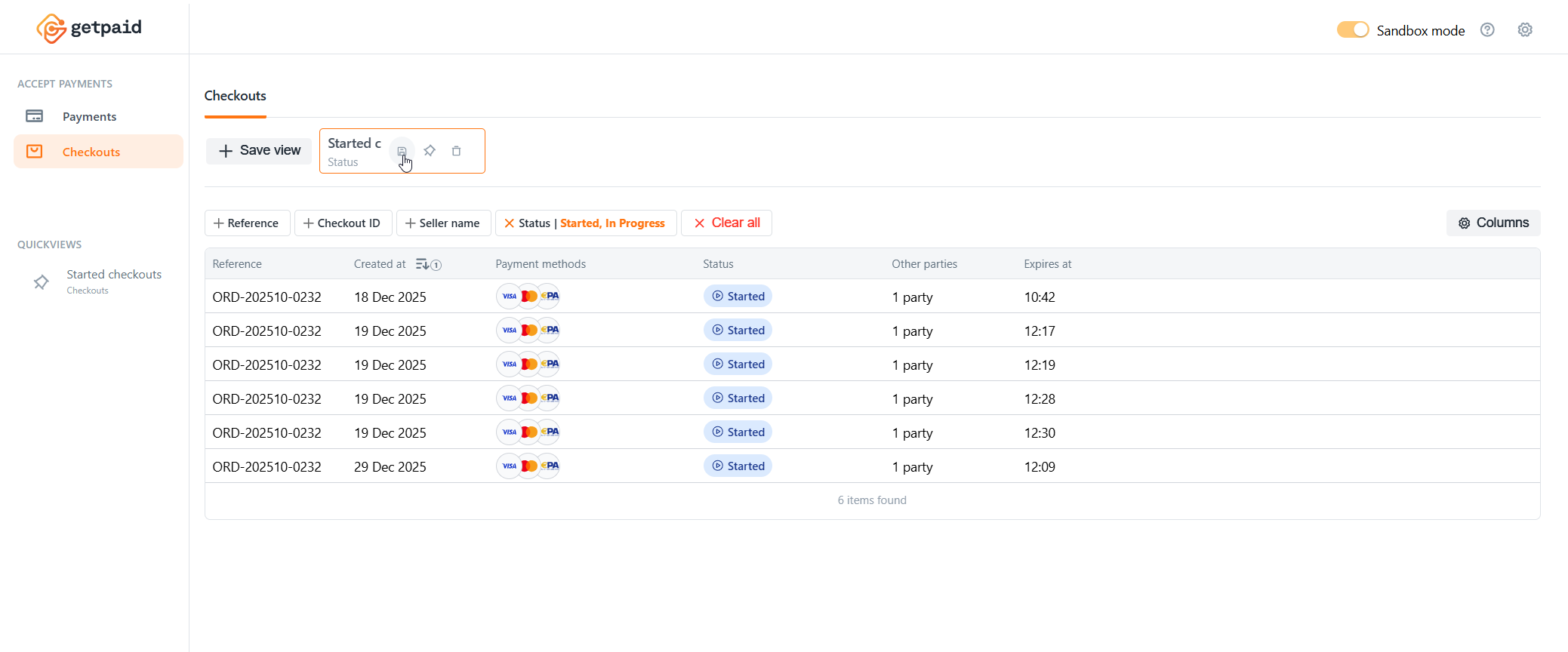
Dashboard quick views
Quick views let you save your filters, sorting preferences, and column visibility for frequently used table searches in the Getpaid Dashboard. They're personal to your account.
Quick views save your configuration, not the results, so every time you navigate to a saved view, it updates with the latest real-time data.
Pin your quick views to the sidebar to quickly switch between sections with your pre-configured settings, saving time during daily monitoring and analytics tasks.
Set up a quick view
Configure your filters, sorting criteria, and column visibility and order before saving.
The Getpaid Dashboard automatically detects when your current configuration matches a saved view and highlights it, helping you avoid duplicates.
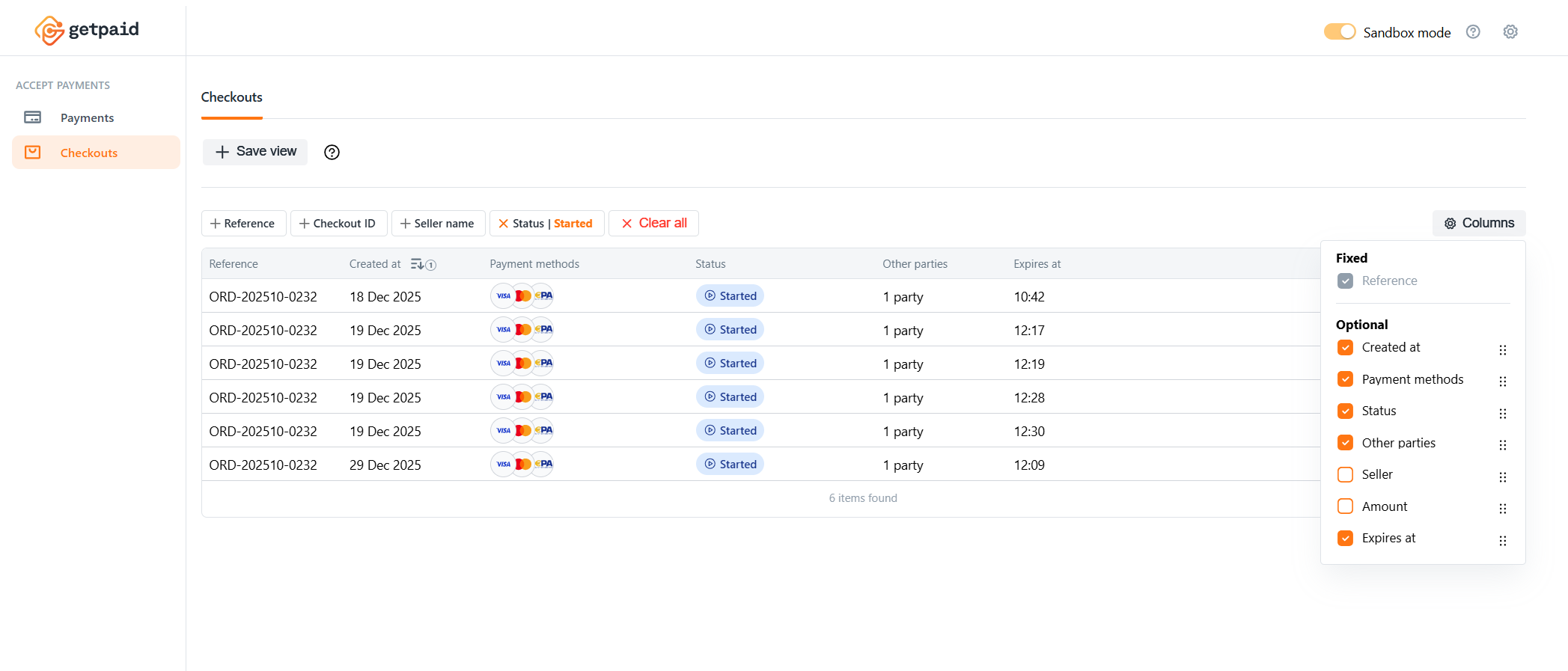
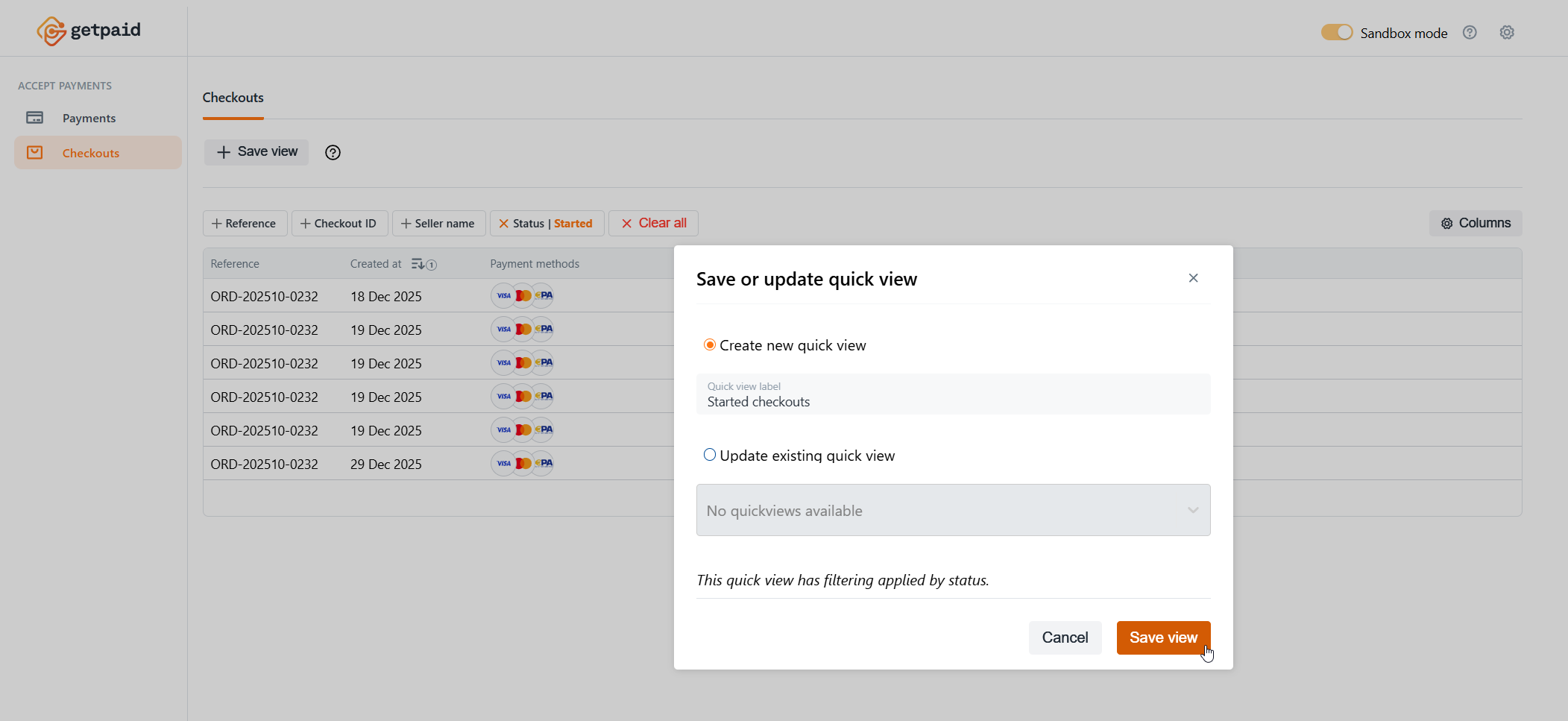
Save a quick view
Save a quick view by creating a new one with a custom name, or overwrite an existing one from your quick views list for that section.
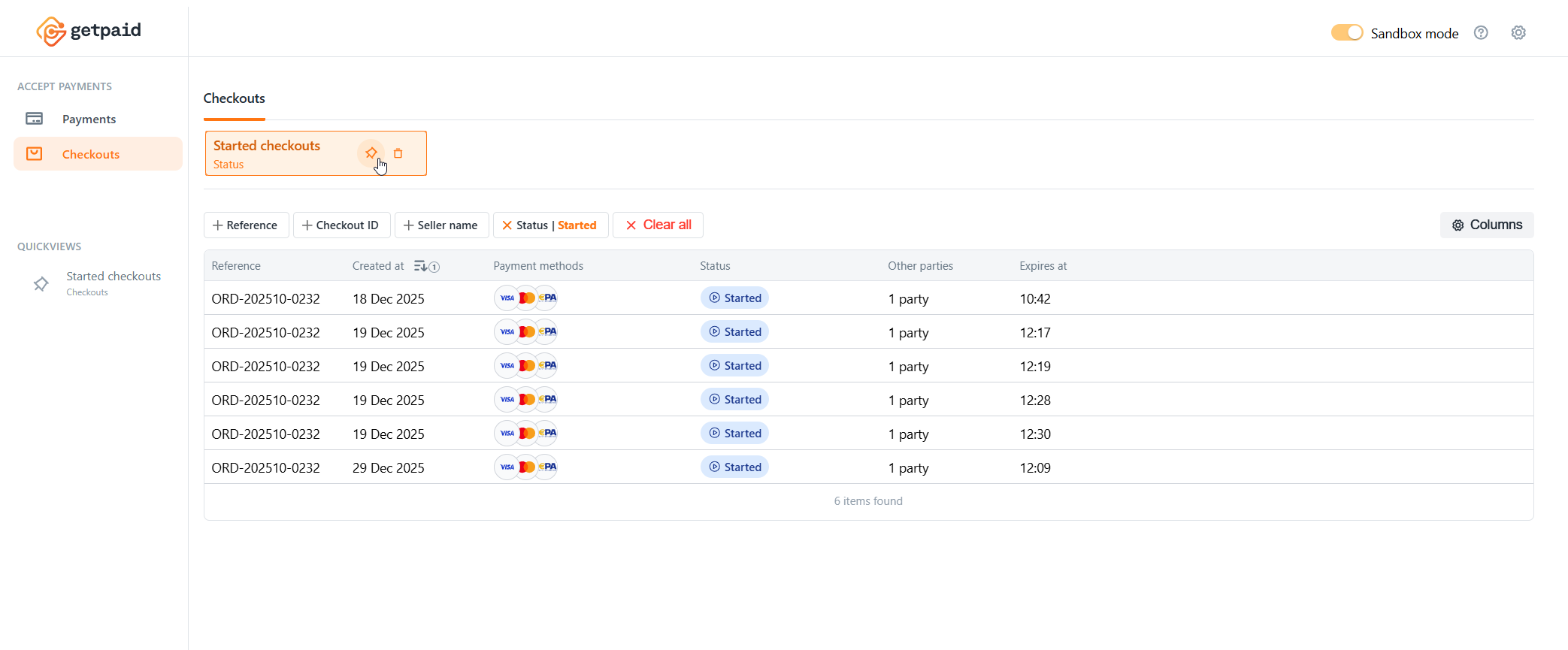
Pin a quick view to the sidebar
Pin saved quick views to the sidebar for quick navigation to that section with your pre-configured filtering and layout.
Update a quick view
Modify the filters, sorting, or columns of an existing quick view. The quick view will no longer be highlighted, indicating unsaved changes. To save your changes, select the quick view from the list to update its configuration.